Digital systems for specific businesses.

Blockslytic designs websites, marketing flows and automations around the way each sector sells, receives requests, books appointments and manages its clients.

A good digital system starts from the workflow, not from a template.

A studio that sells projects, a restaurant that fills tables and a medical practice that manages appointments do not need the same website with different colors.

We map how people arrive, what they ask for, how the team responds, which tools are involved and where the process slows down. Then we build the simplest system that makes that flow clearer.

Interior design lounge
01

Design and interior studios

From first brief to proposal without losing context.

For studios that need to qualify requests, collect project details and turn portfolio interest into serious consultations.

Core flow
Portfolio visit, project brief, consultation, proposal, project workspace.
Useful systems
Brief forms, lead scoring, proposal follow-up, file collection, CRM stages.

Fashion event and editorial image
02

Fashion and lifestyle brands

Connect campaigns, product drops and customer relationships.

For brands that need to make launches measurable, keep clienteling organized and connect ecommerce with marketing activity.

Core flow
Campaign, product page, waitlist or purchase, post-sale, repeat campaign.
Useful systems
Drop pages, email/SMS flows, wholesale intake, abandoned cart and loyalty.
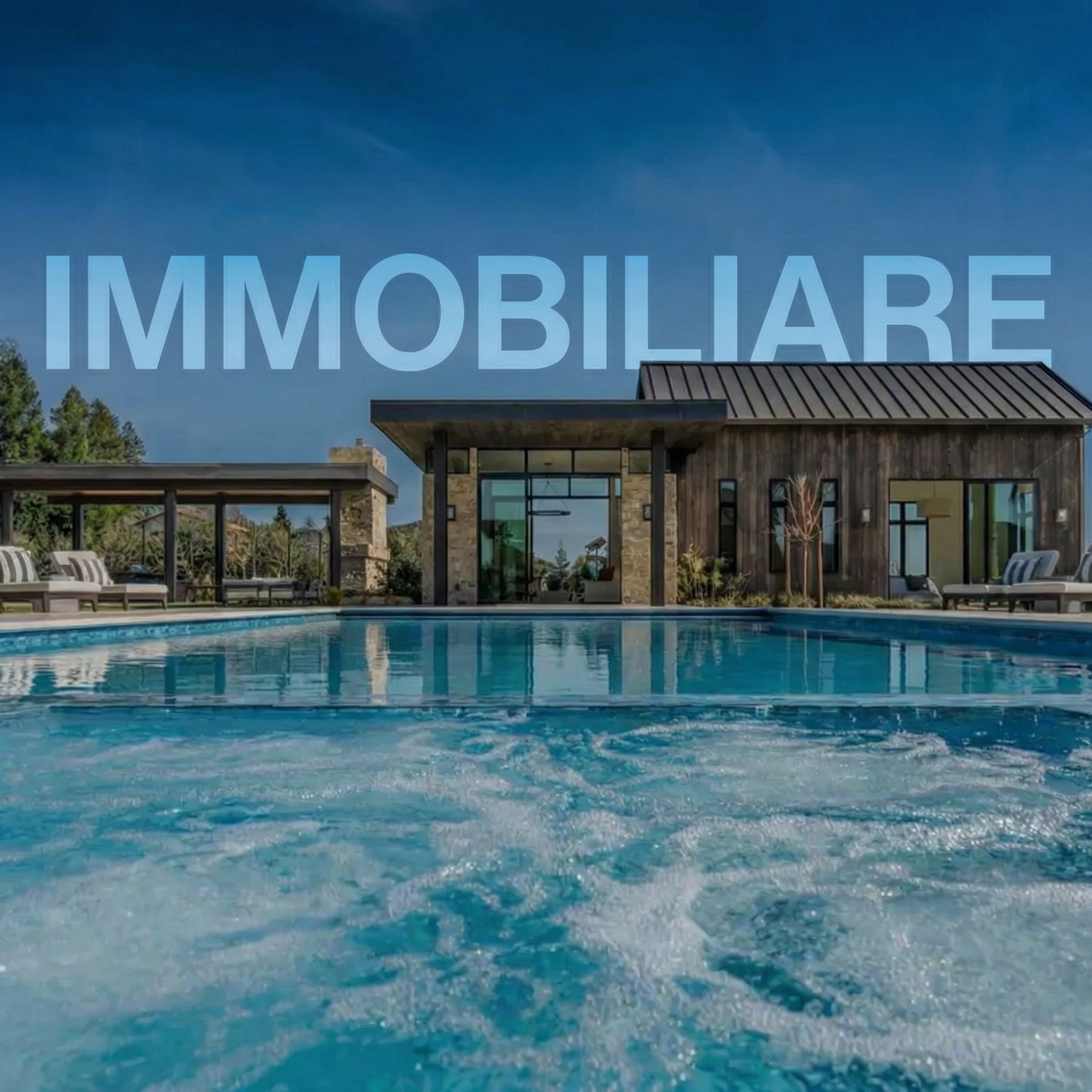
Real estate property with pool
03

Real estate

Qualified inquiries, faster replies and cleaner property pipelines.

For agencies and brokers that need to separate casual browsing from ready buyers, sellers and investors.

Core flow
Property page, lead capture, qualification, agent routing, visit booking.
Useful systems
Listing landing pages, WhatsApp follow-up, seller intake, CRM dashboards.
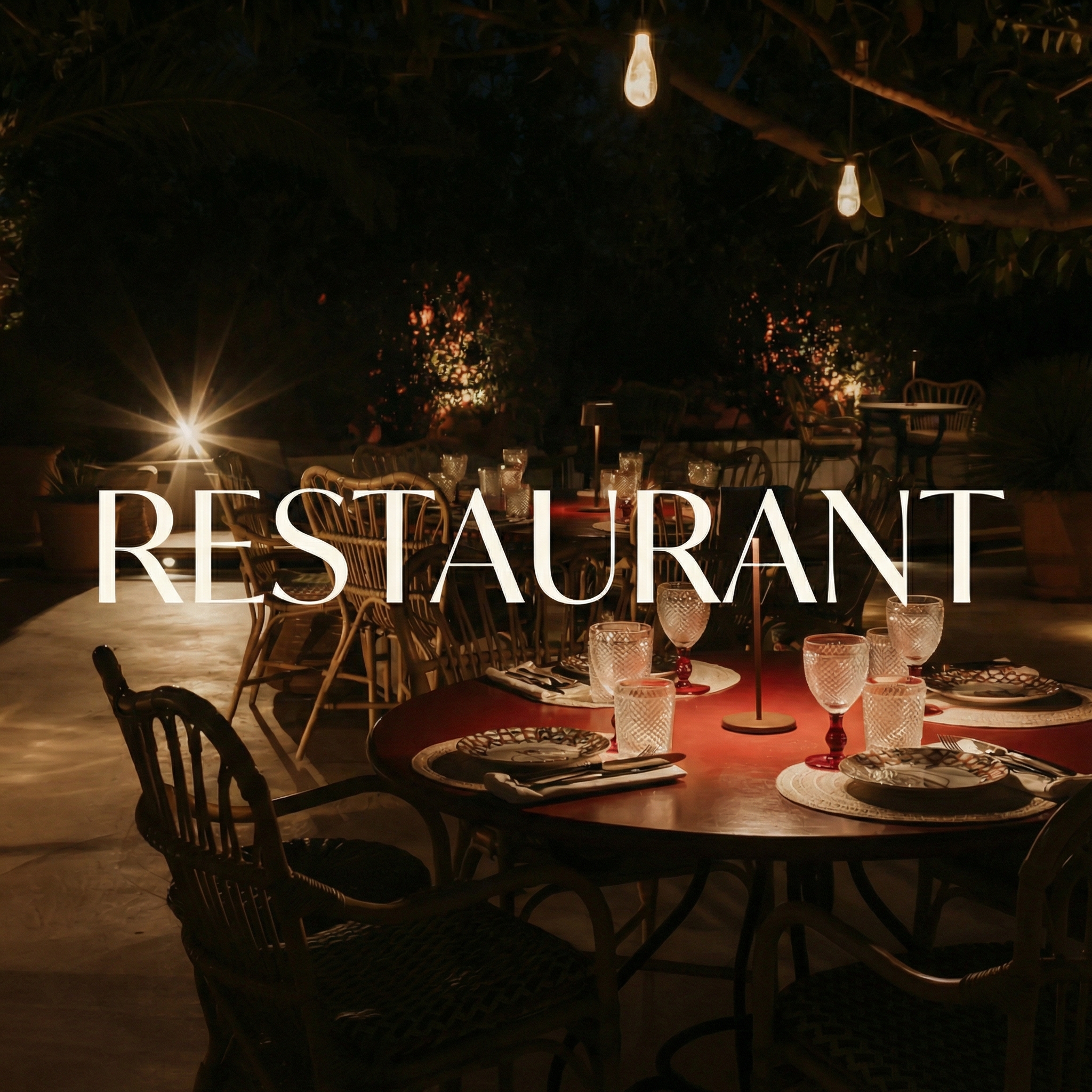
Restaurant table setting
04

Restaurants

Fill tables, reduce no-shows and bring guests back.

For restaurants that need reservations, private event inquiries, reviews and repeat visits to work as one connected loop.

Core flow
Search or social visit, reservation, reminder, dining experience, review, reactivation.
Useful systems
Booking confirmations, event forms, no-show reminders, review automation.
Art exhibition atmosphere
05

Art, galleries and cultural projects

Make exhibitions, collectors and event interest easier to manage.

For galleries, artists and cultural spaces that need a refined digital presence with structured inquiry and audience flows behind it.

Core flow
Artwork discovery, collector inquiry, event RSVP, follow-up, sales or visit.
Useful systems
Catalog pages, collector lists, private previews, newsletter segmentation.
Technology abstract landscape
06

Technology and SaaS

Turn product interest into demos, onboarding and data you can use.

For software and technology teams that need clearer acquisition funnels and operational automations around the product.

Core flow
Landing page, signup or demo request, qualification, onboarding, reporting.
Useful systems
Demo routing, product-led onboarding, CRM sync, lifecycle email, analytics.
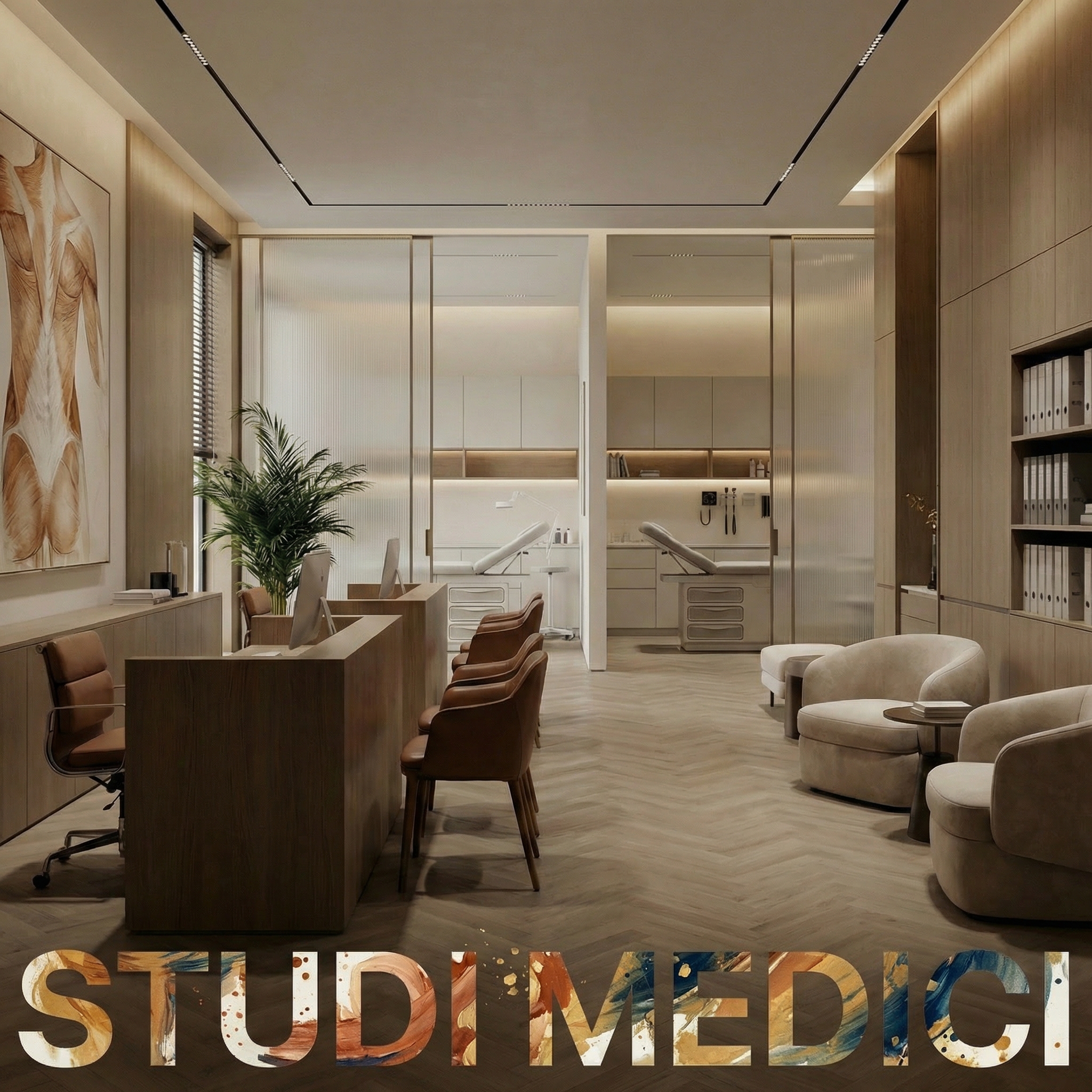
Medical studio interior
07

Medical studios and clinics

Reduce administrative friction around appointments.

For clinics and specialist practices that need better intake, reminders, request routing and post-visit communication.

Core flow
Service page, patient intake, appointment request, reminders, recall or review.
Useful systems
Digital forms, calendar sync, patient follow-up, staff dashboards, analytics.
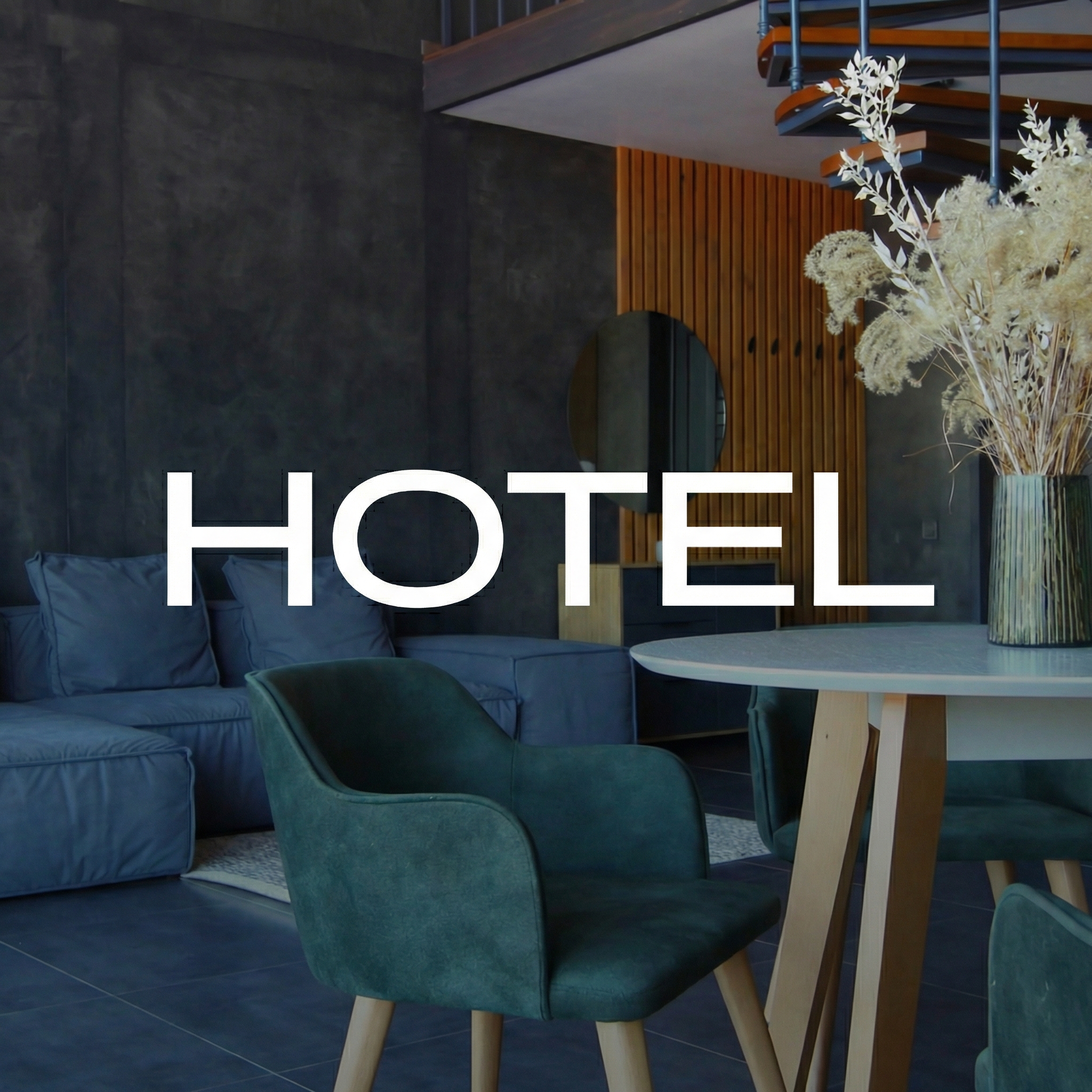
Hotel interior
08

Hotels and hospitality

Improve the guest journey before, during and after the stay.

For hotels and hospitality groups that want more direct bookings, smoother guest communication and better post-stay retention.

Core flow
Direct booking, pre-arrival, upsell, stay, review, return campaign.
Useful systems
Booking pages, PMS connections, WhatsApp/email journeys, review requests.

Cross-industry layer

Different sectors, one connected operating logic.

Behind each industry page there is the same discipline: capture the request, qualify it, route it, follow up, record the outcome and make the next action visible.

Mobile booking and commerce workflow
Customer-facing flows
Local business dashboard workflow
Team dashboards
Mobile article and content interface
Campaign tracking
01

Capture

The website, campaign or landing page turns attention into a clear request with the right context.

02

Understand

Forms and rules qualify the request, separate priorities and prevent vague handoffs.

03

Route

The right person, tool or pipeline receives the request with ownership and next steps.

04

Follow up

Automations handle reminders, confirmations and nudges while the team stays in control.

05

Learn

Outcomes feed reporting, so the system shows what converts and where the process slows down.

Method

How we decide what each industry actually needs.

01

Map paths

We look at how people arrive, what they ask, who replies and which tools are already involved.

02

Find friction

We isolate repeated manual work, unclear handoffs, slow replies and missing information.

03

Shape system

We define the pages, forms, automations and dashboards that make the workflow easier.

04

Refine live

After launch, we refine the flow around real conversations, data and team behavior.

Tell us your industry. We will map the system.

We will identify the workflow, the missing connections and the digital structure that can make your business easier to sell, manage and scale.